Course E-Portfolio
Productivity Tools



Google Drive is a great productivity tool that allows people to organize their documents and retain important data. Google drive is so accessible and has many different functions. It also uses cloud storage where a user’s documents can be saved automatically. There are many different google drive applications that we used in this class such as Google slides, Google forms, Google folder, and Google Sheets.
Google sheets allows numerical data to be stored onto a large spreadsheet, which can have uses such as being analyzed to observe trends or to organize important numbers for a budget, along with many others.
Google slides can help me professionally by allowing me to organize my ideas into a presentable way. This has its benefits in the business setting, where pitches for new ideas or products can be made. Slides enable the user to be creative in conveying their information so that the viewer is more engaged.
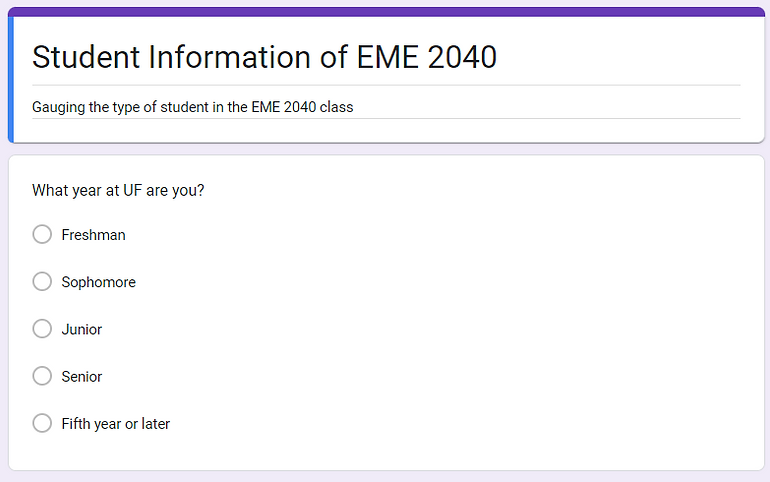
Google forms are very useful in a professional setting by easily accessing probing information from a lot of people without having to ask them the question individually or face to face. These forms can help get a general consensus on certain topics, and they can be used in data gathering in a business setting or statistical setting.
A google folder is helpful in a professional setting because it allows for organization of documents.With the way that society relies more and more on technology, it is inevitable that people have a lot of different files they need to manage. Google folders allow you to add documents related to certain subjects or programs, and this makes the documents easier to find. Also, the folders can be shared with others to allow them to access and collaborate with projects.